How to Format JSON and XML: Indentation, Validation, Tools
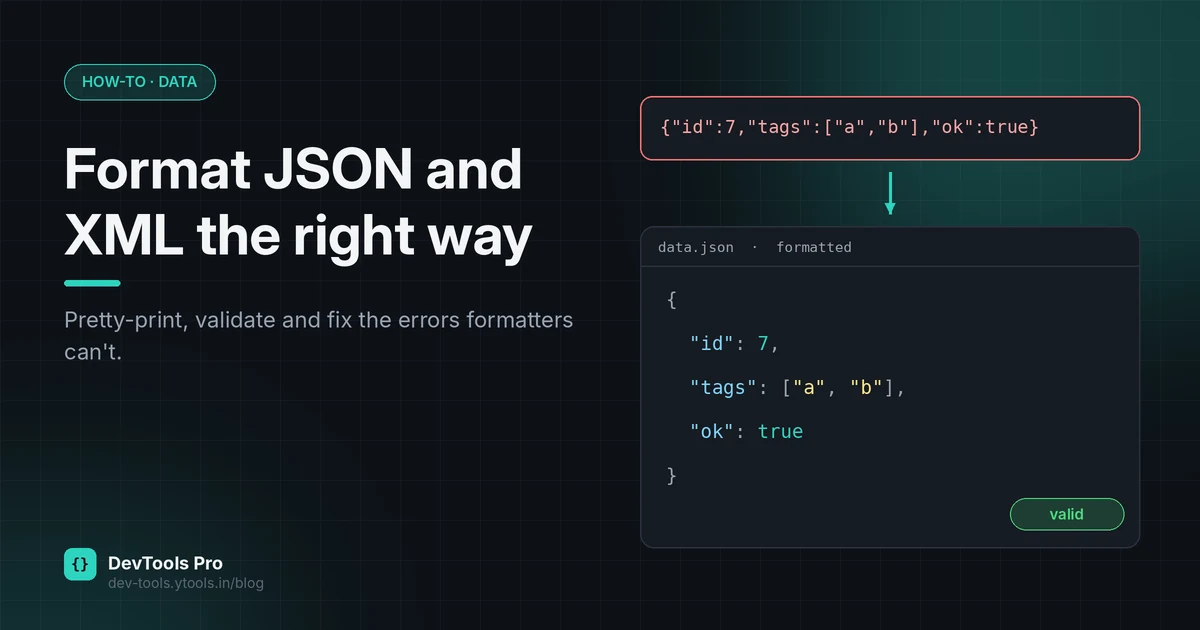
APIs return JSON on a single line. Config exports arrive as one unbroken block of XML. Formatting them is easy; knowing whether the data is actually correct is the part that saves you an afternoon.
This guide covers four ways to format JSON and XML (online, JavaScript, Python and the command line), explains the difference between formatting, validating and schema checks, and lists the syntax errors behind most "invalid JSON" messages, with fixes.
Quick answer: paste the data into a formatter to pretty-print it, or use
JSON.stringify(data, null, 2)in JavaScript,python -m json.tool file.jsonin Python,jq . file.jsonfor JSON on the command line, orxmllint --format file.xmlfor XML. Formatting only changes whitespace; if the data has a syntax error, the formatter will report it rather than fix it.
In this guide
- Formatting vs validating vs schema checks
- JSON rules that break most files
- XML: well-formed vs valid
- Four ways to format
- Errors and fixes
- Pretty-print or minify?
- SQL and plain text
- FAQ
Formatting, validating and schema checks are different jobs
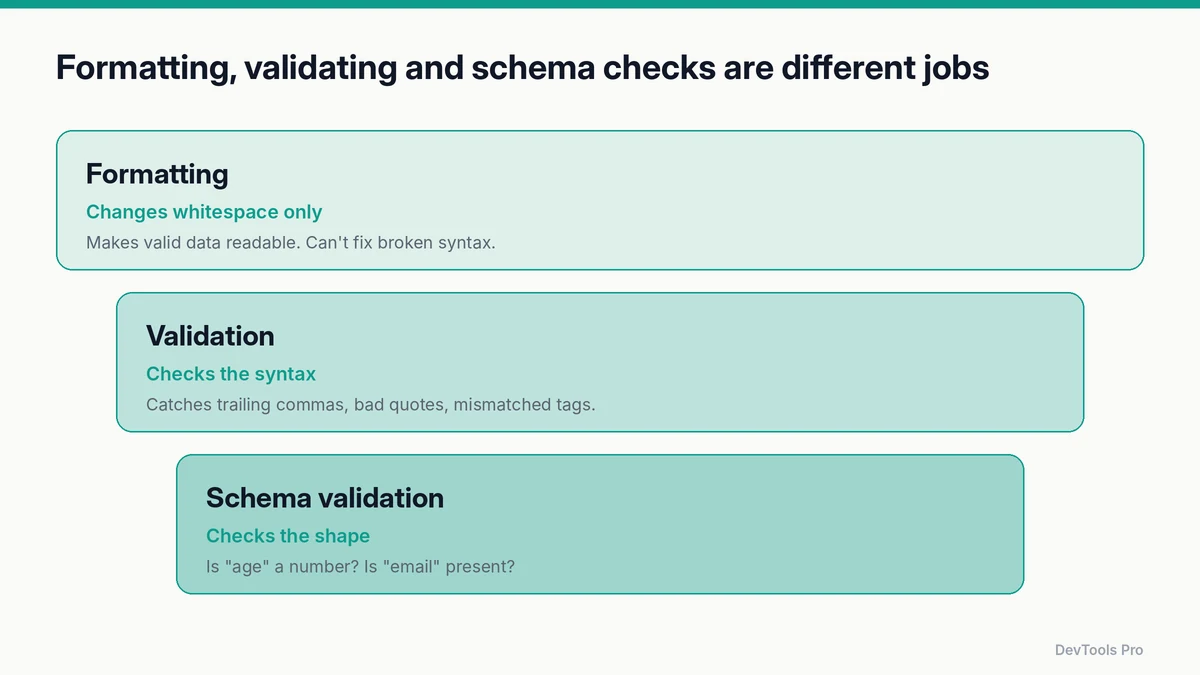
| Check | What it answers | Example of what it catches |
|---|---|---|
| Formatting (pretty-printing) | Can I read this? | Nothing. It only adds indentation and line breaks |
| Validation (syntax) | Is this legal JSON or XML? | Trailing commas, single quotes, unclosed tags |
| Schema validation | Is this the data my code expects? | "age": "42" where a number is required; a missing "email" |
Most online formatters do the first two at once: they parse the input (validation) and print it back with indentation (formatting). Schema validation needs a schema, such as a JSON Schema document, and a dedicated tool like the JSON schema validator.
The JSON rules that break most files
JSON is defined in RFC 8259 and is stricter than the JavaScript object syntax it resembles:
- Strings and keys use double quotes.
'name'is invalid;"name"is valid. - No trailing commas after the last item in an object or array.
- No comments.
//and/* */aren't part of JSON. - Only these values: strings, numbers,
true,false,null, objects and arrays. Noundefined,NaNor functions. - Special characters in strings must be escaped:
\",\\,\n, and so on.
Some tools accept relaxed formats (JSON5, JSONC in editor settings files). Data sent between systems should still be strict JSON.
XML: well-formed vs valid
The XML 1.0 specification separates two levels:
- Well-formed means it follows XML's syntax rules: exactly one root element, every tag closed, tags properly nested, attribute values quoted, and
&and<escaped in text (&,<). - Valid means it's well-formed and conforms to a DTD or schema that defines which elements and attributes are allowed.
An XML formatter checks well-formedness. Checking validity needs the schema.
Four ways to format JSON and XML
1. Online
Fastest for a one-off. Paste into an online JSON formatter or the XML formatter, choose an indent size, and copy the result. If the input is invalid, a good formatter points to the line and character where parsing failed.
Before pasting, think about what's in the data. Use sample or redacted data rather than production secrets, and check whether the tool processes input in your browser (the 60-second Network-tab check).
2. JavaScript
jsconst pretty = JSON.stringify(data, null, 2);   // 2-space indent
const compact = JSON.stringify(data);           // minified
The third argument controls indentation: a number of spaces or a string such as "\t" (MDN — JSON.stringify). To format a JSON string, parse it first: JSON.stringify(JSON.parse(text), null, 2). If it isn't valid, JSON.parse throws an error describing where.
3. Python
pythonimport json
print(json.dumps(data, indent=2, ensure_ascii=False))
Or straight from the terminal, using the standard library's json.tool module (Python docs):
bashpython -m json.tool input.json            # prints formatted JSON
python -m json.tool --indent 2 input.json
4. Command line
bashjq . input.json                  # format JSON (and colourise in a terminal)
jq -c . input.json               # minify JSON
xmllint --format input.xml       # format XML (from libxml2)
jq and xmllint both fail with an error message on invalid input, which makes them useful in scripts and CI checks.
In your editor: most editors format JSON out of the box. In VS Code, Format Document (Shift+Alt+F on Windows, Shift+Option+F on macOS) works for JSON; XML usually needs an extension.
Common errors and how to fix them
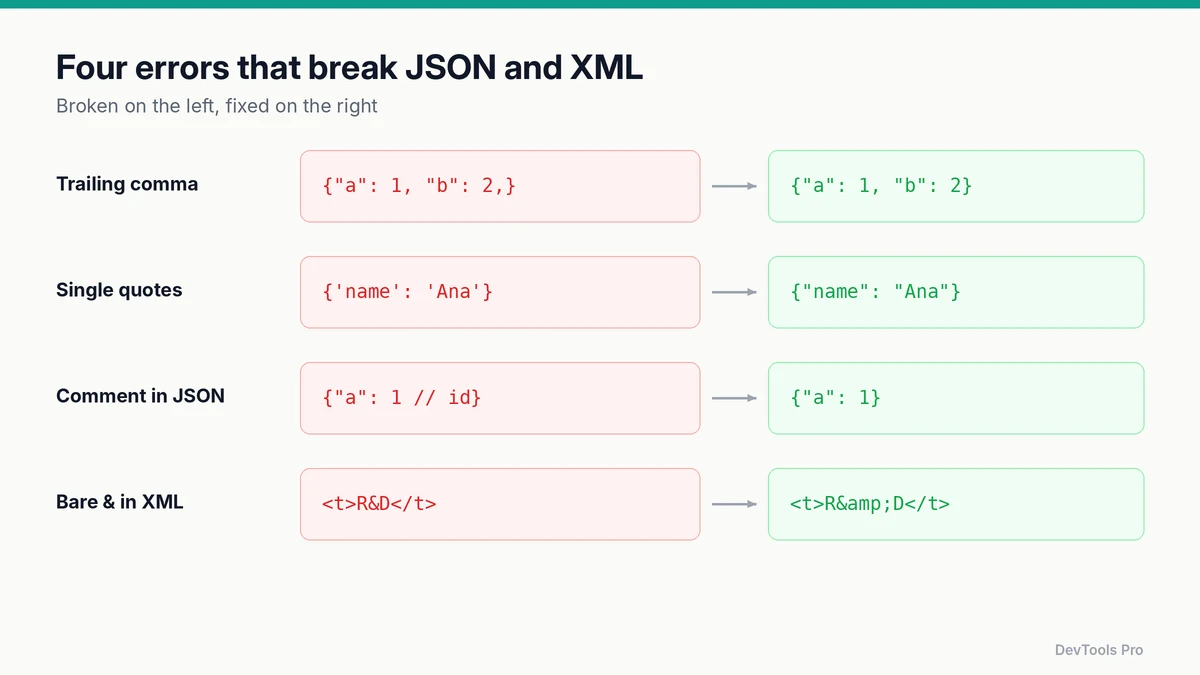
| Error message (typical) | Cause | Fix |
|---|---|---|
Unexpected token } | Trailing comma: {"a": 1,} | Remove the comma after the last item |
Unexpected token ' | Single quotes: {'a': 1} | Use double quotes for keys and strings |
Unexpected token / | Comment in JSON | Remove comments, or move notes into a field |
| Unexpected end of input | Missing } or ], or truncated data | Check the response wasn't cut off; balance brackets |
| Bad control character in string | Raw newline or tab inside a string | Escape it as \n or \t |
| XML: EntityRef expected | Bare & in text: <t>R&D</t> | Write &: <t>R&D</t> |
| XML: Opening and ending tag mismatch | <a><b></a></b> | Close tags in reverse order of opening |
| XML: Extra content at the end | Two root elements | Wrap everything in a single root element |
Exact wording varies by parser, but the causes are the same.
Pretty-print vs minify
| Pretty-printed | Minified | |
|---|---|---|
| Use for | Reading, debugging, code review, config files in version control | Network payloads, production assets, storage |
| Pros | Readable diffs; easy to spot structure | Smaller; slightly faster to transfer |
| Cons | Larger | Unreadable without a formatter |
Keep human-edited files (configs, fixtures) pretty-printed and committed that way so diffs stay readable. Minify at build or response time. The code minifier handles JSON, CSS and JavaScript.
Formatting SQL and plain text
The same idea applies beyond data formats:
- SQL: long queries on one line are hard to review. The SQL formatter puts each clause (
SELECT,FROM,JOIN,WHERE) on its own line. - Plain text: the text formatter cleans up pasted text: extra spaces, broken line wraps, inconsistent case.
- Mixed code: the code beautifier formats HTML, CSS and JavaScript.
- Finding one value in a large document: the JSON path finder shows the path to any key, which you can then use in code or
jq.
Frequently asked questions
How do I format JSON online?
Paste it into an online JSON formatter and choose an indent size. The tool parses the JSON, reports any syntax error with its position, and outputs indented text you can copy.
Why is my JSON invalid?
The usual causes are trailing commas, single quotes, comments, unescaped characters in strings, or truncated data. The table above maps common error messages to fixes.
Can JSON have comments?
No. Standard JSON (RFC 8259) has no comment syntax. Some tools accept JSONC or JSON5, but data exchanged between systems should be strict JSON.
What's the difference between formatting and validating?
Formatting changes whitespace to make data readable. Validation checks whether the syntax is legal. Schema validation goes further and checks whether the data has the fields and types your application expects.
Is it safe to paste JSON into an online formatter?
It's safe for non-sensitive data. For anything containing secrets or personal data, use a tool that runs entirely in your browser, or format locally with jq, Python or your editor.
Conclusion
Formatting makes data readable; validation tells you whether it's correct; schema checks tell you whether it's what your code expects. Use an online formatter for quick looks, jq, xmllint or a few lines of code for anything repeatable, and keep the error table handy for the next "Unexpected token".
Paste your data into the online JSON formatter or the XML formatter →
Related tools
JSON formatter · XML formatter · JSON schema validator · SQL formatter · Text formatter
Related articles
- Developer utilities: which free tools you need for each task
- How to generate realistic test data
- How to create an HTML table
Sources
- RFC 8259 — The JavaScript Object Notation (JSON) Data Interchange Format: JSON grammar.
- W3C — Extensible Markup Language (XML) 1.0: well-formedness and validity.
- MDN — JSON.stringify(): the indentation argument.
- Python documentation — json:
json.dumpsandjson.tool.
Related Posts
How to Compress Images for the Web: JPEG vs WebP vs AVIF
Choose the right image format, compress without visible quality loss, and serve WebP and AVIF safely with fallbacks. Includes a format decision table.
Read More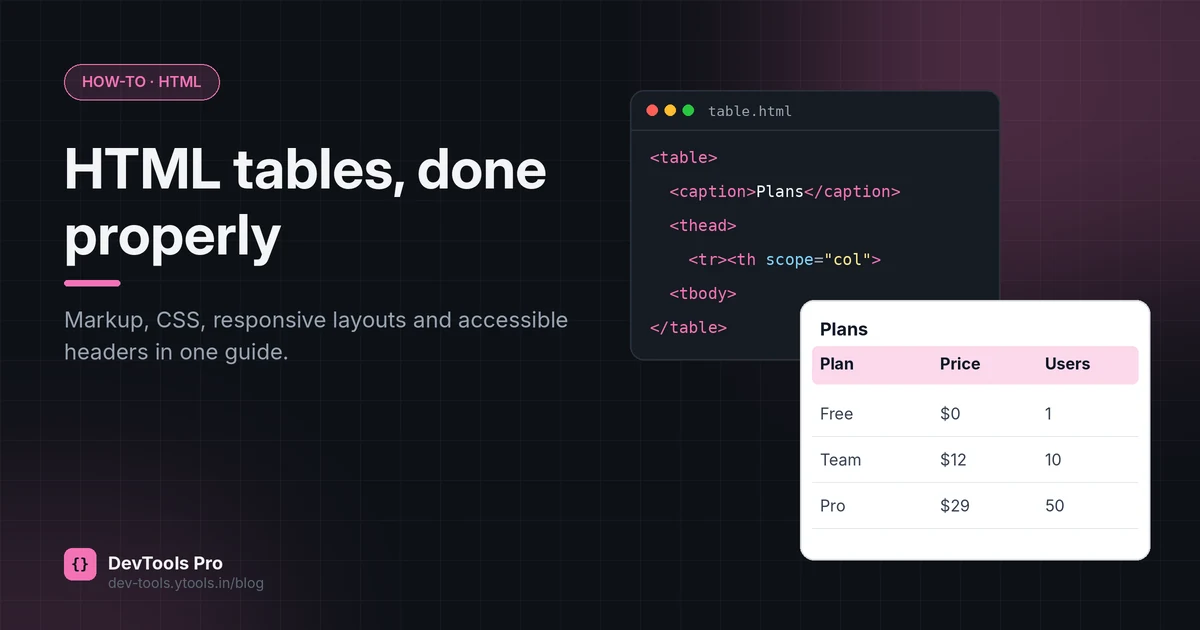
How to Create an HTML Table: Code, CSS and Accessibility
Build an HTML table from scratch: the right tags, merged cells, responsive CSS and accessible headers, plus how to turn spreadsheet data into HTML.
Read More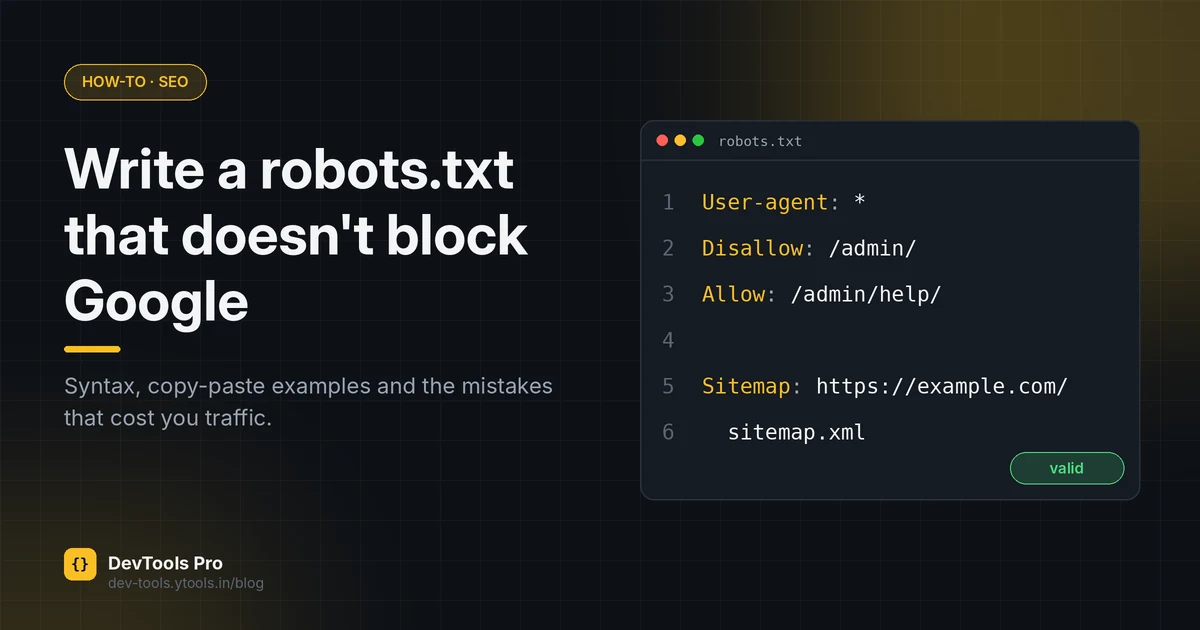
How to Create a robots.txt File: Rules, Examples, Mistakes
Create a correct robots.txt in minutes: syntax, copy-paste examples for common setups, how to test it, and the mistakes that accidentally block Google.
Read More