How to Generate Realistic Test Data (Without Real Users)
Every app needs data before it has users: to build screens, write tests, demo features and load-test the database. The quickest option, copying production, is also the riskiest. The safest option, typing test1, test2, test3, hides the bugs real data would expose.
This guide shows how to generate test data that is realistic enough to find real bugs and fake enough to be safe, including values reserved by internet standards specifically for testing.
Quick answer: generate data instead of copying it, use reserved values for anything that could reach a real person or system (
example.comemails, documentation IP ranges, random UUIDs), add deliberate edge cases (accents, apostrophes, empty values, time zones), and seed your generator so the same dataset can be recreated for every test run.
In this guide
- Why not just copy production data?
- Types of test data
- Values that are safe to use
- Four ways to generate test data
- Edge cases worth including
- Common mistakes
- FAQ
Why not just copy production data?
Copying real records into development or staging creates three problems:
- Exposure. Development environments usually have weaker access controls, more people with access, and more copies (laptops, CI logs, screenshots, bug trackers). Each copy is another place real data can leak.
- Accidents. Real email addresses and phone numbers in a test environment mean a misconfigured job can message real customers.
- Obligations. Personal data stays personal data in a test database. Data-protection laws such as the EU's GDPR can apply, and the GDPR treats pseudonymised data (with names swapped for codes) as information that can still be linked back to a person. This is general information, not legal advice; check with whoever handles compliance for your organisation.
Generated data avoids all three, and it's easier to shape around the cases you need to test.
Types of test data
| Type | What it is | Good for |
|---|---|---|
| Random | Arbitrary values of the right type | Quick fills, fuzzing inputs |
| Realistic (mock) | Plausible names, addresses, dates, prices | UI work, demos, end-to-end tests |
| Edge-case | Deliberately awkward values | Finding bugs in validation, rendering and storage |
| Volume | Thousands to millions of rows | Pagination, query performance, load tests |
| Fixture | A small, fixed, hand-checked set | Unit tests that must give identical results every run |
Most projects need a mix: a small fixture set for unit tests, a realistic seeded set for development, and a volume set for performance work.
Values that are safe to use in test data
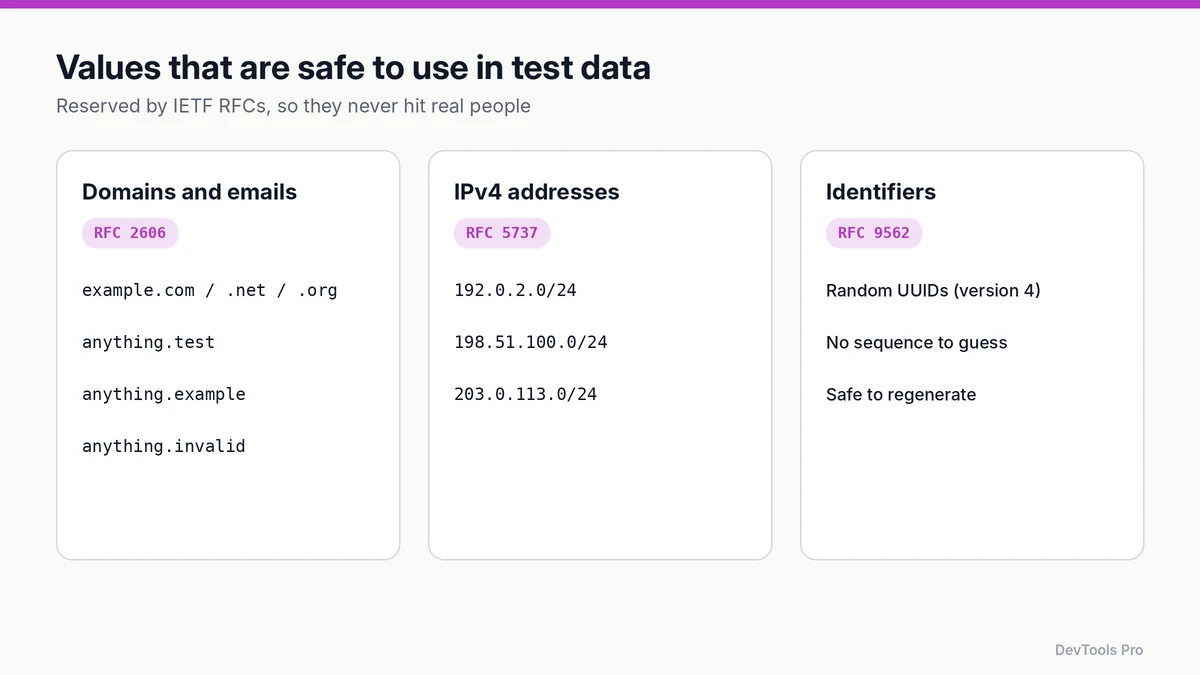
Some values are reserved by internet standards so that examples and tests never collide with real people or systems.
Domains and email addresses
RFC 2606 reserves example.com, example.net and example.org, plus the top-level domains .test, .example, .invalid and .localhost. Use them for every generated email and URL:
text[email protected]
[email protected]
[email protected]
[email protected]     ← useful for "this should bounce" tests
An email to @example.com can never reach a real inbox, so a misfired job can't message anyone.
IP addresses
RFC 5737 sets aside three IPv4 blocks for documentation: 192.0.2.0/24, 198.51.100.0/24 and 203.0.113.0/24. Use them for fake log lines, firewall-rule tests and audit trails.
Identifiers
Random version 4 UUIDs, defined with the other UUID versions in RFC 9562, make good test IDs: no sequence to guess, and no clash with real records. The UUID generator produces them in bulk.
Passwords and secrets
Generate fresh random values for test accounts with the password generator, and never reuse a real credential in a fixture file. Fixture files end up in version control.
Four ways to generate test data
1. An online generator (fastest for a one-off)
Choose the fields you need (name, email, date, number, country) and the row count, then export JSON or CSV. The random data generator does this in the browser. Check that generated emails use reserved domains before importing anywhere that sends mail.
2. Mock API responses
When the front end is ready before the back end, generate responses that match the agreed contract:
json{
  "id": "3f6c1e2a-8b7d-4c5e-9a10-2b4d6f8e0c13",
  "name": "Zoë Ångström",
  "email": "[email protected]",
  "last_login_ip": "198.51.100.7",
  "plan": "team",
  "created_at": "2026-02-28T23:59:00+05:30"
}
The mock API data generator and JSON mock data generator build arrays of objects like this from a template. Run the output through the JSON formatter to check it's valid before you commit it (formatting and validation explained).
3. A library in your codebase
For repeatable datasets, generate data in code. Libraries such as Faker (available for JavaScript, Python and other languages) produce realistic names, addresses, dates and text. A JavaScript example:
jsimport { faker } from '@faker-js/faker';

faker.seed(42); // same seed → same data every run

const users = Array.from({ length: 50 }, () => ({
  id: faker.string.uuid(),
  name: faker.person.fullName(),
  email: faker.internet.email({ provider: 'example.com' }),
  createdAt: faker.date.past().toISOString(),
}));
Check the library's documentation for the exact function names in your version, and override any field that could produce a real-looking address or domain.
4. Seeded randomness for tests
Random data that changes every run makes failing tests hard to reproduce. Seed your generator with a fixed value, as above, so a failure on CI can be recreated exactly on a laptop. Log the seed when you use a random one, so you can replay it.
Edge cases worth including in every dataset
Realistic data mostly looks normal, which is why it misses bugs. Add awkward values on purpose.
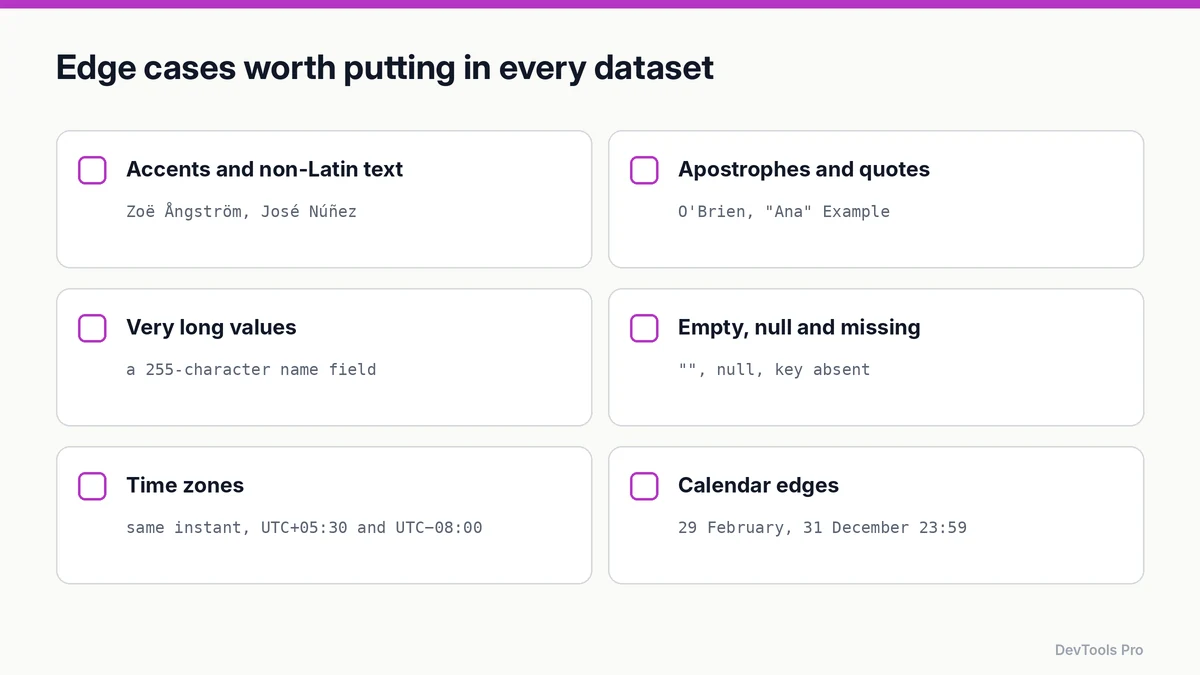
- Accents and non-Latin text:
Zoë Ångström,José Núñez, names in non-Latin scripts. Catches encoding and sorting bugs. - Apostrophes and quotes:
O'Brien,"Ana" Example. Catches broken escaping in SQL, HTML and CSV. - Very long values: a 255-character name, a 10,000-character description. Catches truncation and layout overflow.
- Empty, null and missing:
"",null, and the key absent entirely. These are three different cases. - Time zones: the same instant stored as
+05:30and-08:00. Catches date-shifting bugs. - Calendar edges: 29 February, 31 December 23:59, month ends.
- Numbers: zero, negatives, very large values, many decimal places.
- Leading and trailing spaces in fields users type.
Common mistakes
- Using real-looking domains.
[email protected]is someone's address. Use@example.com. - Unseeded random data in tests, so failures can't be reproduced.
- Only "happy path" data, so validation and rendering bugs ship.
- Committing secrets in fixtures. Generate them, and keep real credentials out of the repo.
- Assuming masked production data is anonymous. Partially masked records can often be re-identified when combined with other data.
- Too little volume. A list that works with 20 rows may fail with 20,000. Generate a volume set before launch.
Frequently asked questions
What is test data?
Data created to build and test software without depending on real users' information. It ranges from a few hand-written fixtures to millions of generated rows for load testing.
How do I generate fake data for testing?
Use an online random data generator for one-off sets, a mock data generator for API responses, or a library such as Faker in your codebase for repeatable, seeded datasets.
Can I use production data for testing?
It's risky. It exposes personal data in less-protected environments, can trigger messages to real people, and may bring data-protection obligations. Generated data is safer; seek compliance advice before using real data anywhere outside production.
Which email domains are safe to use in tests?
example.com, example.net and example.org, and any domain under .test, .example or .invalid. They're reserved by RFC 2606 and can't belong to a real person.
How much test data do I need?
A small fixed set for unit tests, a realistic set large enough to fill every screen state for development, and a volume set that matches or exceeds your expected production size for performance tests.
Can I generate test data as JSON?
Yes. Most generators export JSON and CSV. Validate the output with a JSON formatter before using it as a fixture.
Conclusion
Good test data is generated, seeded, safe by construction and deliberately awkward. Use reserved domains and IP ranges for anything that could touch the outside world, include edge cases on purpose, and keep real user data out of places it doesn't need to be.
Generate a test dataset in the random data generator →
Related tools
Random data generator · Mock API data generator · JSON mock data generator · UUID generator · Lorem ipsum generator
Related articles
Sources
- RFC 2606 — Reserved Top Level DNS Names: domains reserved for testing and documentation.
- RFC 5737 — IPv4 Address Blocks Reserved for Documentation: documentation IP ranges.
- RFC 9562 — Universally Unique IDentifiers (UUIDs): UUID versions.
- Regulation (EU) 2016/679 (GDPR): definition of pseudonymisation; cited for context, not as legal advice.
Related Posts
How to Compress Images for the Web: JPEG vs WebP vs AVIF
Choose the right image format, compress without visible quality loss, and serve WebP and AVIF safely with fallbacks. Includes a format decision table.
Read More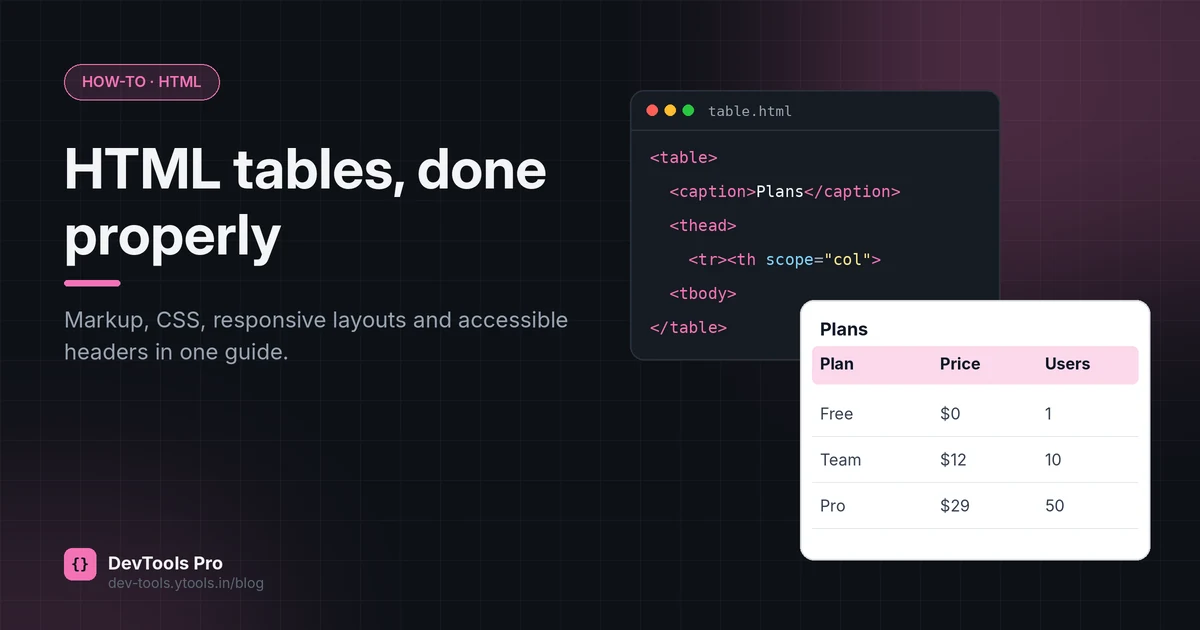
How to Create an HTML Table: Code, CSS and Accessibility
Build an HTML table from scratch: the right tags, merged cells, responsive CSS and accessible headers, plus how to turn spreadsheet data into HTML.
Read More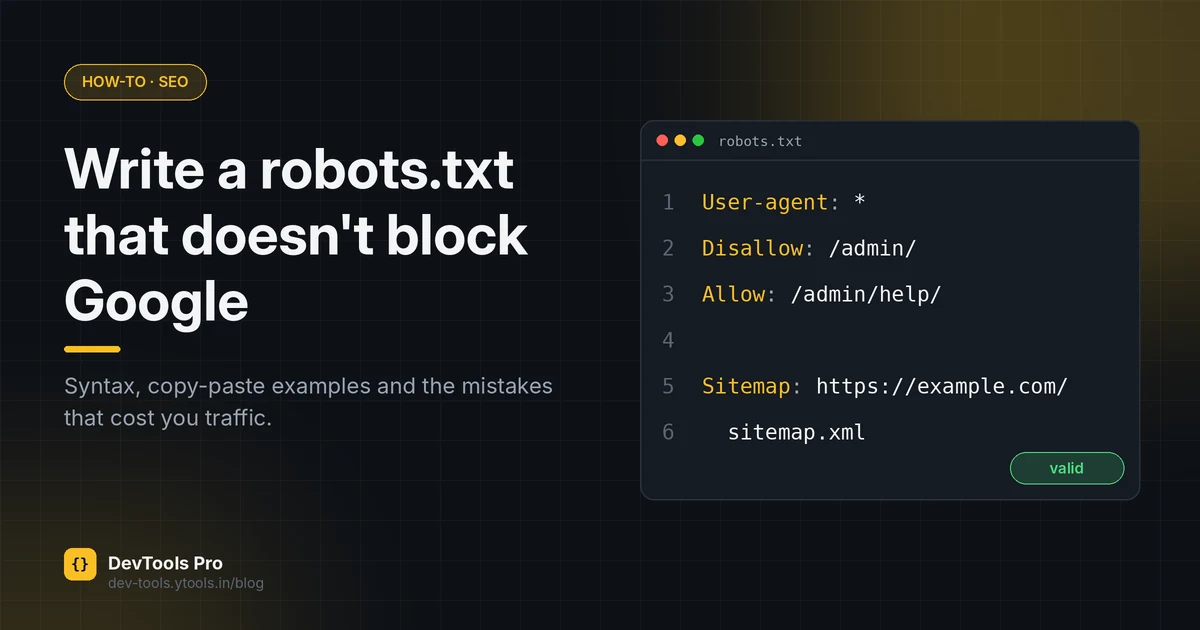
How to Create a robots.txt File: Rules, Examples, Mistakes
Create a correct robots.txt in minutes: syntax, copy-paste examples for common setups, how to test it, and the mistakes that accidentally block Google.
Read More