JSON to TypeScript: Generate Interfaces From Any JSON
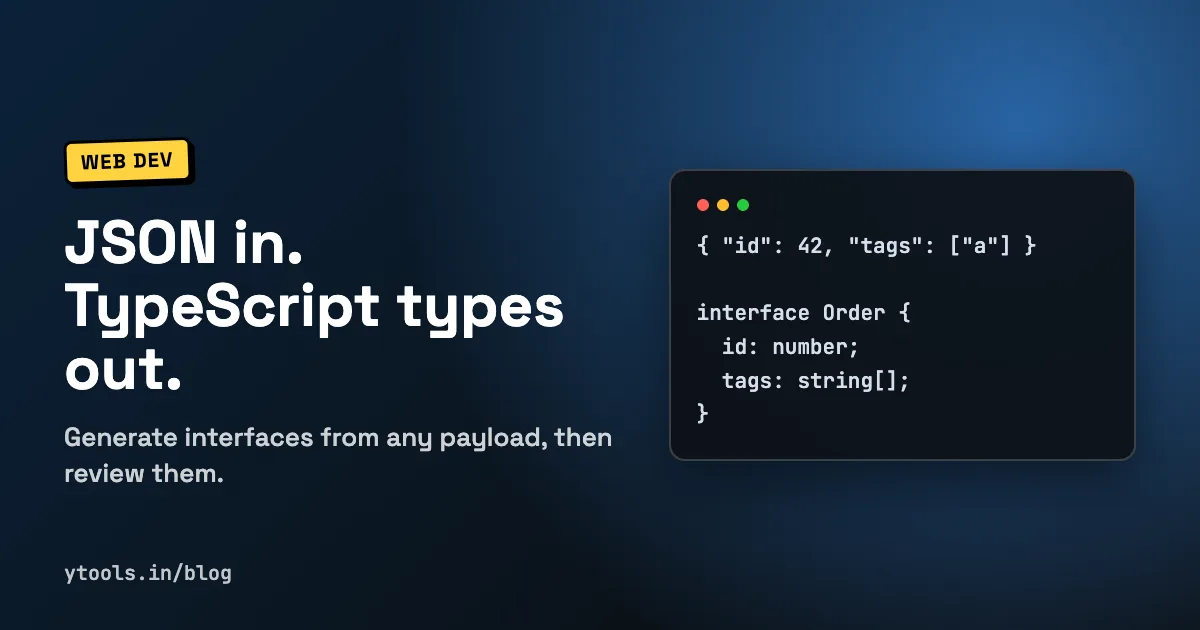
Typing an API response by hand is slow, and one typo in a field name means your editor stops catching the bugs it was supposed to catch. A JSON to TypeScript generator reads a sample payload and writes the interfaces for you, so you start from types that match the data instead of from memory.
This guide shows how to convert JSON to TypeScript, works through a real example, and covers the cases where generated types need a human review: nulls, optional fields, mixed arrays and dates.
Quick answer: paste a sample JSON response into a converter such as JSON Beautify & Parser, choose TypeScript, set a model name, and copy the generated interfaces. Then review three things by hand: fields that can be missing (make them optional), fields that can be
null(add| null), and arrays with mixed item types (use a union). Types only exist at compile time, so validate untrusted data at runtime as well.
Why generate TypeScript types from JSON
TypeScript can only check code against types you give it. If an API returns user_id and your interface says userId, the compiler trusts the interface, and the bug shows up at runtime.
Generating types from a real payload fixes the most common problems:
- Field names match exactly, including casing and underscores.
- Primitive types are correct: a price that arrives as a string is typed as a string, not a number you assumed.
- Nested objects and arrays are covered, which is where hand-written types usually go wrong.
- It is fast, so you actually do it for every new endpoint.
The trade-off: a generator only sees the sample you give it. It cannot know that a field is sometimes missing or sometimes null unless the sample shows that. That is why the review step matters.
How to convert JSON to TypeScript in four steps
- Get a representative sample. Copy a real response from your browser's Network tab or an API client. If the endpoint can return empty arrays or
nullvalues, try to find a sample that includes them. - Make sure the JSON is valid. A converter can't infer types from broken JSON. If you get a parse error, see how to format and validate JSON for the usual causes.
- Generate the types. Paste the JSON into the converter, pick TypeScript, and give the root type a meaningful name such as
Orderinstead ofRoot. - Review and save. Check optional and nullable fields, rename nested types if needed, and save the result in a file such as
types/order.ts.
Worked example: an order API response
Here is a realistic payload from an e-commerce API:
json{
  "id": 48213,
  "status": "shipped",
  "createdAt": "2026-09-28T14:05:00Z",
  "customer": {
    "id": "c_9f2a",
    "name": "Priya Sharma",
    "email": "[email protected]",
    "phone": null
  },
  "items": [
    { "sku": "TSHIRT-M", "title": "T-shirt", "qty": 2, "price": 499.0 },
    { "sku": "MUG-01", "title": "Mug", "qty": 1, "price": 299.0, "giftWrap": true }
  ],
  "tags": ["priority", "gift"],
  "discount": null
}
A straight conversion gives you the shape. After a short review, the types look like this:
tsexport type OrderStatus = "pending" | "paid" | "shipped" | "delivered" | "cancelled";

export interface Customer {
  id: string;
  name: string;
  email: string;
  phone: string | null;
}

export interface OrderItem {
  sku: string;
  title: string;
  qty: number;
  price: number;
  giftWrap?: boolean;
}

export interface Discount {
  code: string;
  amount: number;
}

export interface Order {
  id: number;
  status: OrderStatus;
  createdAt: string; // ISO 8601 date string
  customer: Customer;
  items: OrderItem[];
  tags: string[];
  discount: Discount | null;
}
What changed during review, and why:
giftWrap?is optional because it appears on one item and not the other.phone: string | null: the sample only showednull, which on its own tells you nothing about the real type. Check the API docs or another sample.discount: Discount | null: same problem. Anullin the sample hides the object shape, so it was filled in from a second response.statuswas narrowed fromstringto a union of known values, so a typo like"shiped"fails to compile.createdAtstays astring. JSON has no date type, so the value arrives as text until your code parses it.- Nested objects got their own names (
Customer,OrderItem) so you can import and reuse them.
Tricky JSON cases and the right TypeScript type
| JSON in your sample | Naive type | Recommended TypeScript type |
|---|---|---|
"phone": null | null or any | string | null (confirm the real type) |
| Field present in some objects only | Required field | field?: T |
[] (empty array) | any[] or never[] | Item[] with Item taken from another sample |
[1, "two", 3] | any[] | (number | string)[] |
[{ "type": "card", ... }, { "type": "upi", ... }] | One merged interface | Discriminated union on type |
"createdAt": "2026-09-28T14:05:00Z" | Date | string, then parse to Date in code |
"amount": "499.00" | number | string (that is what is sent) |
Object keyed by IDs: { "u_1": {...}, "u_2": {...} } | Interface with keys u_1, u_2 | Record<string, User> |
"id": 9007199254740993 (very large number) | number | string, ask the API to send it as text |
Two of these deserve a note. Numbers above Number.MAX_SAFE_INTEGER lose precision in JavaScript, so large IDs should be strings. And an object whose keys are data (IDs, dates, slugs) rather than fixed field names is a map, which Record<string, T> describes correctly.
Interface or type alias?
Both describe an object shape, and for API data either works. The practical differences, per the TypeScript handbook:
- Interfaces can be extended with
extendsand reopened (declaration merging). Many teams prefer them for object shapes. - Type aliases can also name unions, primitives and tuples, so you need them for things like
OrderStatusabove.
A common convention: interface for objects, type for unions and everything else. Pick one rule and stay consistent.
Options worth knowing in JSON Beautify & Parser
The JSON Beautify & Parser converter runs in the browser, shows a real-time preview, and generates code for TypeScript, Java, C#, Swift, Kotlin, Dart, Python, Go, Rust and PHP. For TypeScript, these settings map directly to the decisions above:
- Model Name sets the name of the root type, so you get
Orderinstead of a generic name. - Use Interfaces (TypeScript) switches between
interfacedeclarations andtypealiases. - Make All Properties Optional or Make All Properties Required applies
?across the board when you know how strict the API is. - Make All Properties Final adds
readonly, useful for data you never mutate. - Null Safety controls how
nullvalues in the sample are typed. - Detect Dates & Times, Detect UUIDs and Detect Maps guess types from field names and shapes. Treat these as hints: a detected date is still a string in the raw JSON.
- Types Only outputs plain type declarations without extra code.
When you are happy with the output, copy it or download it as a file. The tool also handles deeply nested structures, though you may still want to pull large inline objects out into named interfaces. You can find it alongside related tools on the JSON Beautify & Parser tool page.
Types disappear at runtime
This is the limit every generated type shares. TypeScript erases types when it compiles to JavaScript, so response.json() as Order is a promise to the compiler, not a check. If the API changes or returns an error body, your code will still treat it as an Order.
For data you don't control, add runtime validation at the boundary. Schema validation libraries let you define the shape once, check incoming data against it, and derive the TypeScript type from the same schema, so the two can't drift apart. For internal APIs you trust, generated types plus good tests are often enough.
Generated types also pair well with mock data. Once you have the interfaces, you can generate realistic test data that matches them for tests and UI prototypes.
FAQ
How do I convert JSON to a TypeScript interface?
Paste a sample of the JSON into a converter, select TypeScript, name the root type and copy the output. Then mark fields that can be missing as optional and fields that can be empty as | null.
Can TypeScript generate types from JSON automatically?
The compiler can infer the type of a JSON file you import when resolveJsonModule is enabled, but it can't type data fetched at runtime. For API responses you need a generator or hand-written types.
Why did the generator type my field as any or null?
The sample only contained null or an empty array for that field, so there was nothing to infer from. Use a fuller sample or fill in the type from the API documentation.
Should dates from JSON be typed as Date?
Not in the raw response type. JSON sends dates as strings, so type them as string and convert to Date in your code, or use a separate type for the parsed version.
Is it safe to paste API responses into an online converter? JSON Beautify & Parser processes data in the browser. Still, remove tokens, passwords and personal data from samples before pasting them into any online tool.
Conclusion
Generating TypeScript types from JSON removes the slow, error-prone part of integrating an API. The generator gets the shape and field names right; your review gets the edge cases right: optional fields, null, mixed arrays, dates and maps. Add runtime validation for data you don't control, and your types will match what actually arrives. For more everyday helpers, see our roundup of developer utilities.
Convert your JSON to TypeScript with JSON Beautify & Parser →
Related Posts
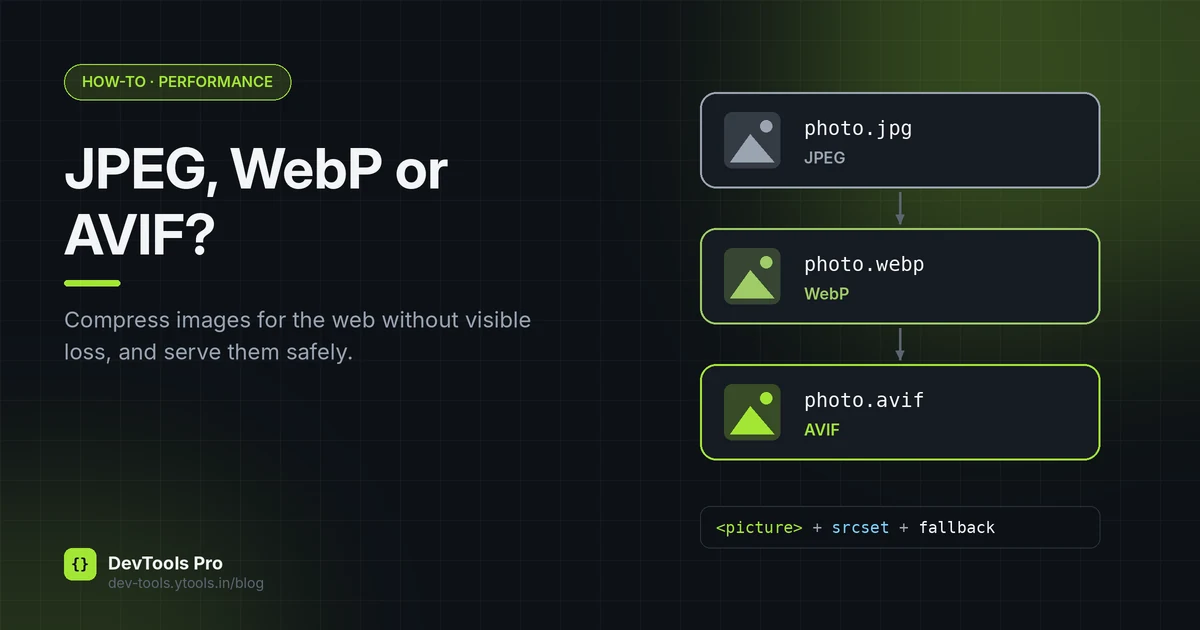
How to Compress Images for the Web: JPEG vs WebP vs AVIF
Choose the right image format, compress without visible quality loss, and serve WebP and AVIF safely with fallbacks. Includes a format decision table.
Read More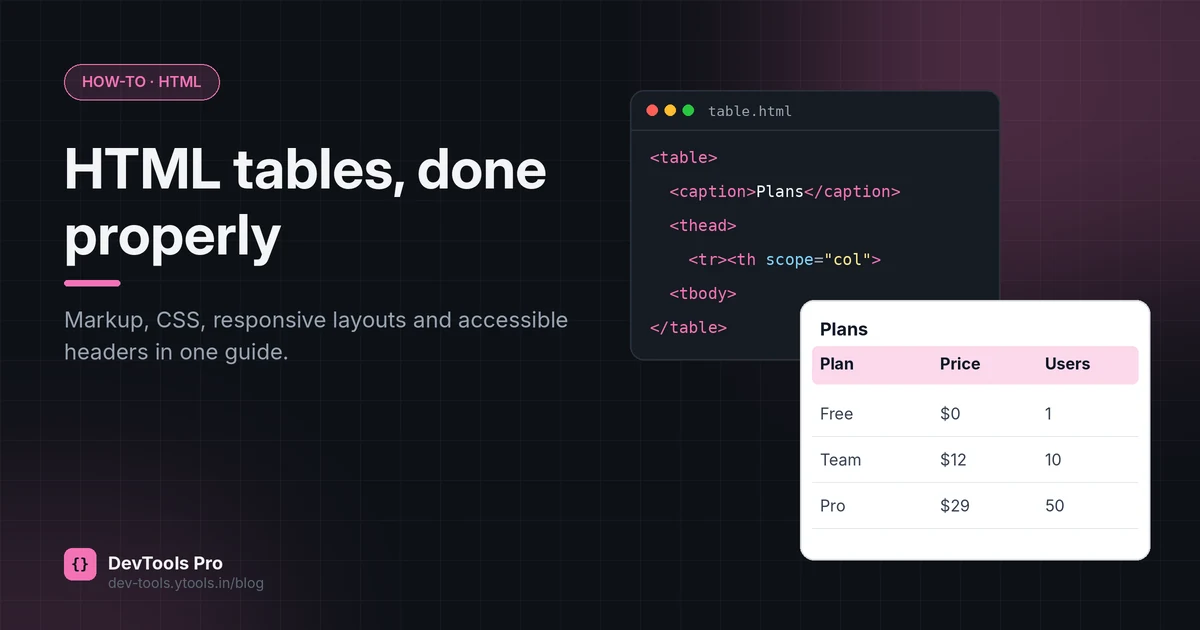
How to Create an HTML Table: Code, CSS and Accessibility
Build an HTML table from scratch: the right tags, merged cells, responsive CSS and accessible headers, plus how to turn spreadsheet data into HTML.
Read More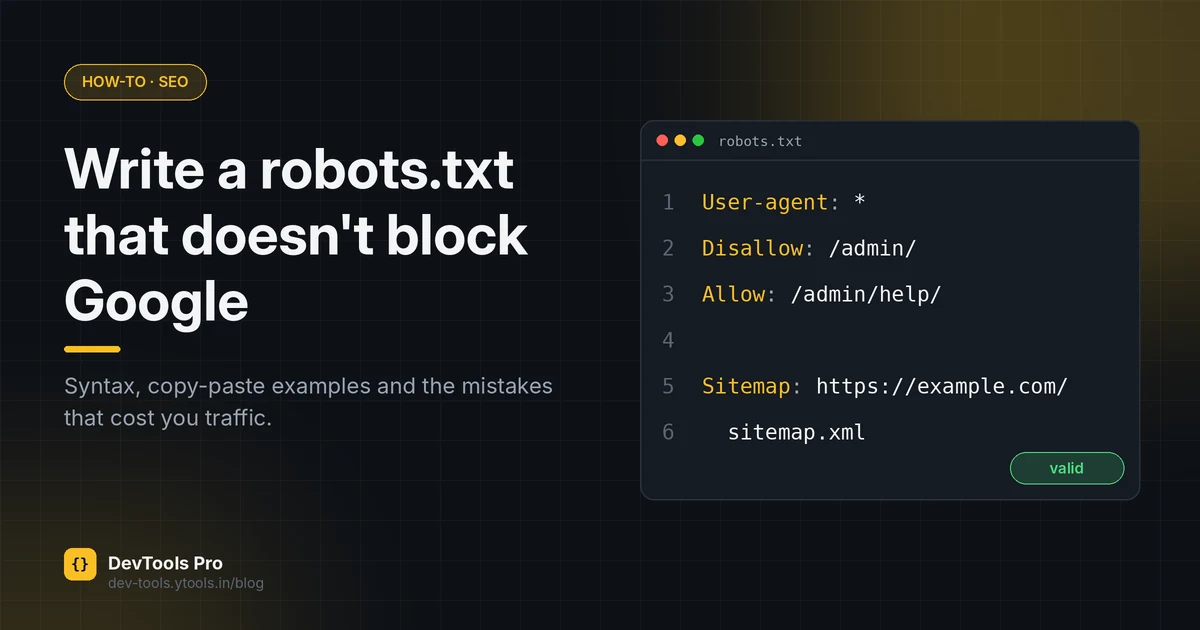
How to Create a robots.txt File: Rules, Examples, Mistakes
Create a correct robots.txt in minutes: syntax, copy-paste examples for common setups, how to test it, and the mistakes that accidentally block Google.
Read More