Open Graph Meta Tags: How to Add OG and Twitter Card Tags
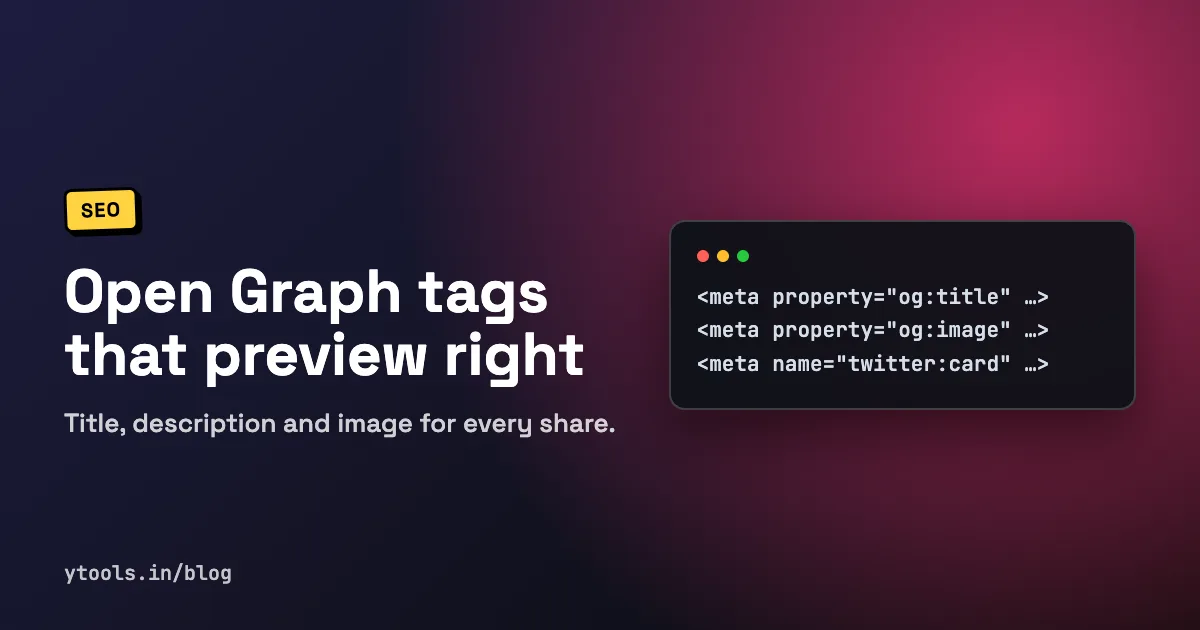
When you paste a link into Facebook, LinkedIn, X or a chat app, the preview card is built from a handful of meta tags in your page's <head>. Get them right and the link shows a clear title, a short description and a sharp image.
This guide covers the tags that matter, gives you a copy-paste snippet, and explains how to test and refresh previews.
Quick answer: add
og:title,og:type,og:imageandog:url(the four properties the Open Graph protocol requires), plusog:description,og:site_nameandog:image:alt. Addtwitter:cardto choose the X card layout. Use a 1200×630 image, put the tags in<head>, then check the result in the Facebook Sharing Debugger and LinkedIn Post Inspector.
What Open Graph tags are
Open Graph is a protocol, originally from Facebook, that turns a web page into a "rich object" in a social graph. You describe the page with <meta property="og:..."> tags in the <head>, and platforms that read them build the preview from those values (ogp.me).
X uses its own twitter: tags for cards, and many other apps read Open Graph tags too. That's why most sites set both sets.
The essential tags
The Open Graph protocol lists four required properties: og:title, og:type, og:image and og:url. A few optional tags are worth treating as required too.
| Tag | Purpose | Example |
|---|---|---|
og:title | Title shown on the card | How to Brew Pour-Over Coffee |
og:type | Kind of object, such as website or article | article |
og:url | Canonical URL, used as the object's permanent ID | https://example.com/pour-over |
og:image | Image shown on the card (absolute URL) | https://example.com/og/pour-over.jpg |
og:image:alt | Text description of the image | Kettle pouring water into a paper filter |
og:image:width / og:image:height | Image dimensions in pixels | 1200 / 630 |
og:description | One or two sentence summary | A simple method for a clean, sweet cup. |
og:site_name | Name of the overall site | Example Coffee |
og:locale | Language and territory (defaults to en_US) | en_GB |
twitter:card | X card layout | summary_large_image |
twitter:site / twitter:creator | @username of the site / author | @examplecoffee |
Two notes from the spec. Open Graph tags use the property attribute, not name. And if a page has an og:image, it should also have og:image:alt, which describes the image for people who can't see it (ogp.me).
Copy-paste head snippet
Replace the example values and place this inside <head>. Use absolute URLs for og:url and og:image; relative paths often fail because the crawler doesn't resolve them against your page.
html<head>
  <title>How to Brew Pour-Over Coffee | Example Coffee</title>
  <meta name="description" content="A simple pour-over method for a clean, sweet cup, with ratios and timings.">
  <link rel="canonical" href="https://example.com/pour-over">

  <!-- Open Graph -->
  <meta property="og:title" content="How to Brew Pour-Over Coffee">
  <meta property="og:description" content="A simple pour-over method for a clean, sweet cup, with ratios and timings.">
  <meta property="og:type" content="article">
  <meta property="og:url" content="https://example.com/pour-over">
  <meta property="og:site_name" content="Example Coffee">
  <meta property="og:locale" content="en_US">
  <meta property="og:image" content="https://example.com/og/pour-over.jpg">
  <meta property="og:image:width" content="1200">
  <meta property="og:image:height" content="630">
  <meta property="og:image:alt" content="Kettle pouring water into a paper coffee filter">

  <!-- X (Twitter) card -->
  <meta name="twitter:card" content="summary_large_image">
  <meta name="twitter:site" content="@examplecoffee">
  <meta name="twitter:creator" content="@authorhandle">
  <meta name="twitter:title" content="How to Brew Pour-Over Coffee">
  <meta name="twitter:description" content="A simple pour-over method for a clean, sweet cup, with ratios and timings.">
  <meta name="twitter:image" content="https://example.com/og/pour-over.jpg">
  <meta name="twitter:image:alt" content="Kettle pouring water into a paper coffee filter">
</head>
Keep og:url and your canonical link pointing at the same URL. If they disagree, shares of different URL variants can split into separate previews and counts.
Choosing the right image
The image does most of the work on a card, so it deserves the most care.
- Size: 1200×630 pixels is the common target. It's a 1.91:1 ratio, which matches LinkedIn's guidance of a minimum 1200×627 and a recommended 1.91:1 ratio (LinkedIn Help). Meta recommends images at least 1080 pixels wide for high-resolution screens (Meta for Developers).
- Declare dimensions: Meta says to specify
og:image:widthandog:image:heightso the image loads properly the first time the page is shared (Meta for Developers). - Keep text central: platforms crop differently, and a
summarycard on X shows a small square thumbnail. Keep logos and words away from the edges. - Keep the file light: a compressed JPEG or PNG loads faster for crawlers and readers. Our guide to compressing images for the web covers the trade-offs.
- Make it public: the image URL must load without login, cookies or a blocked path. If your robots.txt disallows the folder, some crawlers won't fetch it; see how to create a robots.txt file.
How to add the tags, step by step
- Write the title and description first. Aim for about 60 characters for the title and 160 for the description so they don't get cut off.
- Create one image per important page, at 1200×630, and upload it to a public URL.
- Generate the tags. Write them by hand from the snippet above, or fill in a form in an Open Graph metadata generator and copy the output.
- Add them to the page
<head>. In a CMS this is usually an SEO plugin or page settings. In a framework, use its metadata system. - Make sure they're in the server HTML. Many crawlers don't run JavaScript, so tags injected only on the client may be missed. View the page source, not the browser inspector, to check.
- Test with the official debuggers (next section).
Using the Open Graph Metadata Generator
The free Open Graph Metadata Generator builds the full tag set from a form, so you don't have to remember every property name. What it offers:
- Basic tab: title (with a 60-character counter), description (with a 160-character counter), canonical URL and image URL. You can drag and drop an image or browse for one, and the form shows the 1200×630 (1.91:1) recommendation.
- Twitter tab: card type (Summary, Summary with Large Image, App or Player), plus Twitter Site and Twitter Creator @usernames.
- Facebook tab: Open Graph type (such as Website, Article, Book, Profile, music and video types), site name, locale and an optional Facebook App ID.
- Additional tab: options to include a canonical URL tag and JSON-LD structured data.
- Output formats: Next.js metadata API, plain HTML tags, JSON-LD and React Helmet, with copy-to-clipboard and download options.
- Social preview: see how the card will look on Twitter and Facebook before you publish.
- Validation: checks for title length, description length, a provided image URL and a valid URL format.
How to test and refresh previews
Platforms cache what they scrape, so editing your tags doesn't instantly change existing previews.
- Facebook Sharing Debugger: enter a URL to see which tags Meta's crawler scraped, plus errors and warnings (Meta for Developers). Running it also refreshes the scraped content, which is useful because the standard update period is 24 hours (Meta best practices). Meta also notes images are cached by URL and won't update unless the URL changes, so give a new image a new file name.
- LinkedIn Post Inspector: enter the URL to refresh LinkedIn's preview. The refresh only applies to new posts; existing posts keep their old preview (LinkedIn Help).
Add this check to your website launch checklist so broken previews never go live.
Common mistakes
Relative image URLs. /og.jpg may not resolve. Use the full https:// URL.
Using name instead of property for og tags. Open Graph tags are defined with property. X tags conventionally use name.
Tags added only by client-side JavaScript. If the crawler doesn't run scripts, it sees no tags. Render them on the server.
The same image and title on every page. A sitewide fallback is better than nothing, but each important page should describe itself.
Image blocked or behind login. Staging passwords, hotlink protection or robots.txt rules can stop crawlers fetching it.
Replacing an image at the same URL. Caches hold on to the old file. Change the file name, then re-scrape.
FAQ
What are the required Open Graph tags?
The protocol requires four: og:title, og:type, og:image and og:url. In practice, also add og:description, og:site_name and og:image:alt.
What size should an Open Graph image be? Use 1200×630 pixels, a 1.91:1 ratio. LinkedIn asks for at least 1200×627, and Meta recommends at least 1080 pixels wide.
Do I need Twitter card tags if I have Open Graph tags?
Set at least twitter:card, because it chooses the card layout and has no Open Graph equivalent. Adding twitter:title, twitter:description and twitter:image as well removes any guesswork.
Why is my link preview still showing the old image? The platform cached the earlier version. Re-scrape the URL in the Facebook Sharing Debugger or LinkedIn Post Inspector, and use a new image file name, since Meta caches images by URL.
Do Open Graph tags help SEO? Not as a direct ranking factor. They improve how shared links look, which can raise click-through from social and chat apps.
Conclusion
Good Open Graph metadata is a small set of tags: the four required properties, a description, site name, image alt text and a twitter:card. Use a public 1200×630 image with absolute URLs, render the tags on the server, and re-scrape after every change.
Generate your Open Graph and Twitter card tags with the free Open Graph Metadata Generator, then test them in the official debuggers.
Related Posts
How to Analyze Bank Statement Spending Safely
Learn to read bank and UPI statements, categorize transactions, and analyze your spending, while keeping OTPs, PINs and account details private.
Read More
How to Analyze Your Spending Habits: Find Your Patterns
Learn how to analyze your spending habits by looking at frequency, timing and triggers. Includes a worked ₹ example and a simple habit-review method.
Read More
Budget vs Actual Spending: How to Analyze the Gap
Compare your budget with actual spending, calculate variance in ₹ and %, and decide what to change. Includes a worked example with every formula shown.
Read More